Dùng bằng remote TVBuilt for the TV remote
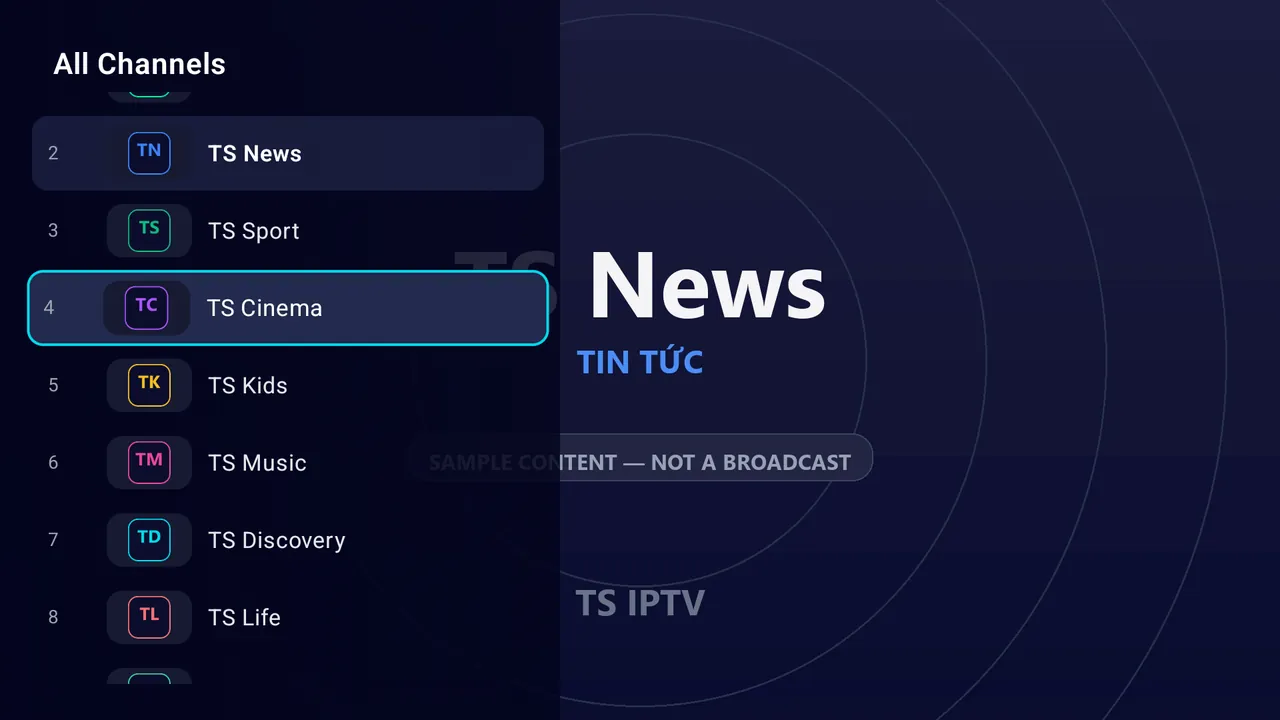
Giao diện Android TV riêng: nhóm kênh bên trái, lưới kênh lớn, chuyển kênh bằng phím lên xuống.A real Android TV interface: groups on the left, a large channel grid, zap with up and down.
 TS IPTV
 phát danh sách M3U của riêng bạn trên điện thoại, Android TV và máy tính, kèm lịch phát sóng, tìm kiếm và xem tiếp. Chạm một lần là kênh đang xem chuyển lên TV. TS IPTV plays your own M3U playlists on phone, Android TV and desktop, with a TV guide, search and continue watching. One tap moves the channel you are watching to the TV.
Windows, macOS và các nền tảng khácWindows, macOS and other platforms · Miễn phí, không kèm kênhFree, no channels included
Phát lên TVPlay on TV
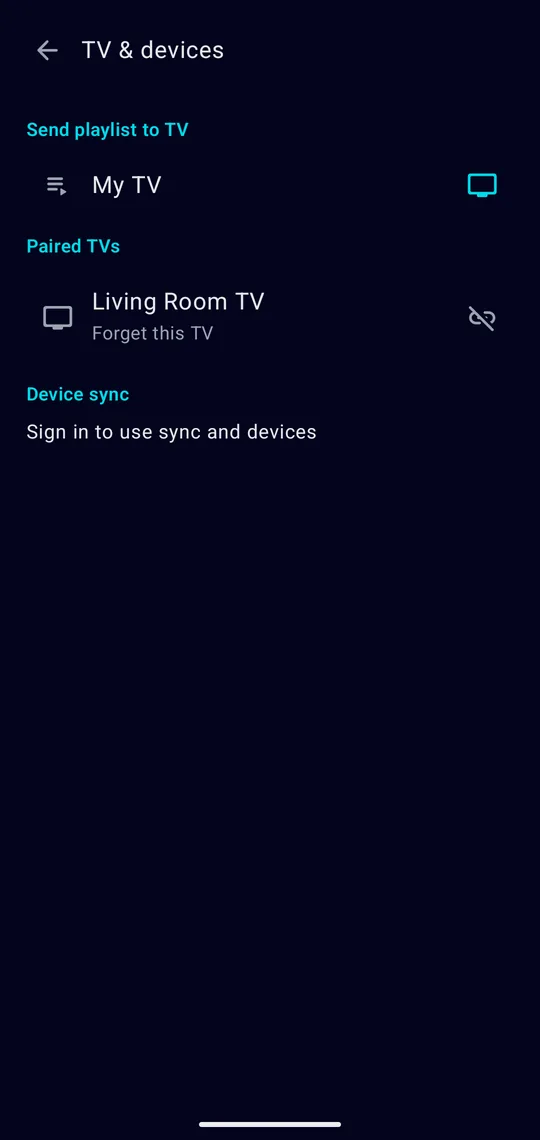
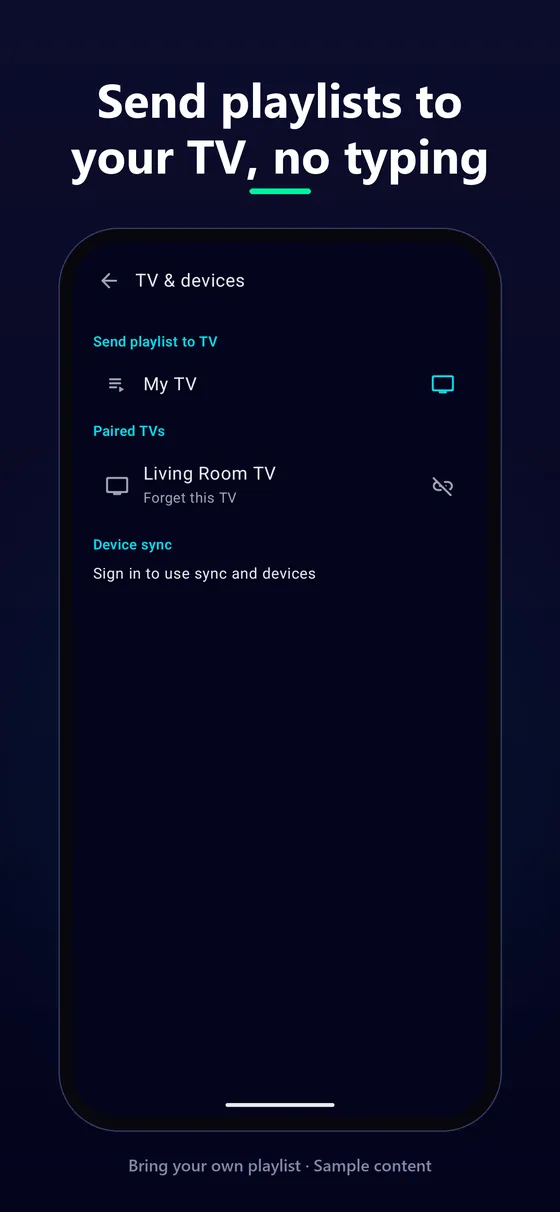
Không cần gõ link bằng remote, không cần Chromecast. TS IPTV trên điện thoại tìm TS IPTV trên Android TV trong cùng mạng Wi-Fi.No typing links with a remote, no Chromecast needed. TS IPTV on your phone finds TS IPTV on your Android TV on the same Wi-Fi.
TV của bạn tự hiện trong danh sách, không cần nhập địa chỉ IP.Your TV shows up by itself. No IP address to type.
Ghép nối được ghi nhớ. Lệnh gửi qua mạng nội bộ được ký, không đi ra internet.The pairing is remembered. Commands on your local network are signed and never leave it.
Kênh đang xem phát ngay trên TV, phim tiếp tục đúng vị trí. TV không cần có sẵn danh sách.The channel plays on the TV at once; a film continues at the same position. The TV needs no playlist of its own.
Danh sách, nhóm kênh và lịch phát sóng sang TV trong vài giây, không gõ một ký tự nào bằng remote.Playlist, groups and guide reach the TV in seconds, without typing a single character on the remote.
Tính năngFeatures
Giao diện Android TV riêng: nhóm kênh bên trái, lưới kênh lớn, chuyển kênh bằng phím lên xuống.A real Android TV interface: groups on the left, a large channel grid, zap with up and down.
XMLTV đúng múi giờ: đang phát, sắp phát, cả ngày.XMLTV in the right time zone: now, next, all day.
Gõ vài chữ, kênh hiện ngay.Type a few letters, the channel is there.
Kênh vừa xem nằm ngay đầu trang chủ, phim nhớ vị trí.Recent channels top the home screen; films remember where you stopped.
Danh sách theo bạn sang điện thoại, TV và máy tính khác.Your playlists follow you to your other phones, TVs and computers.
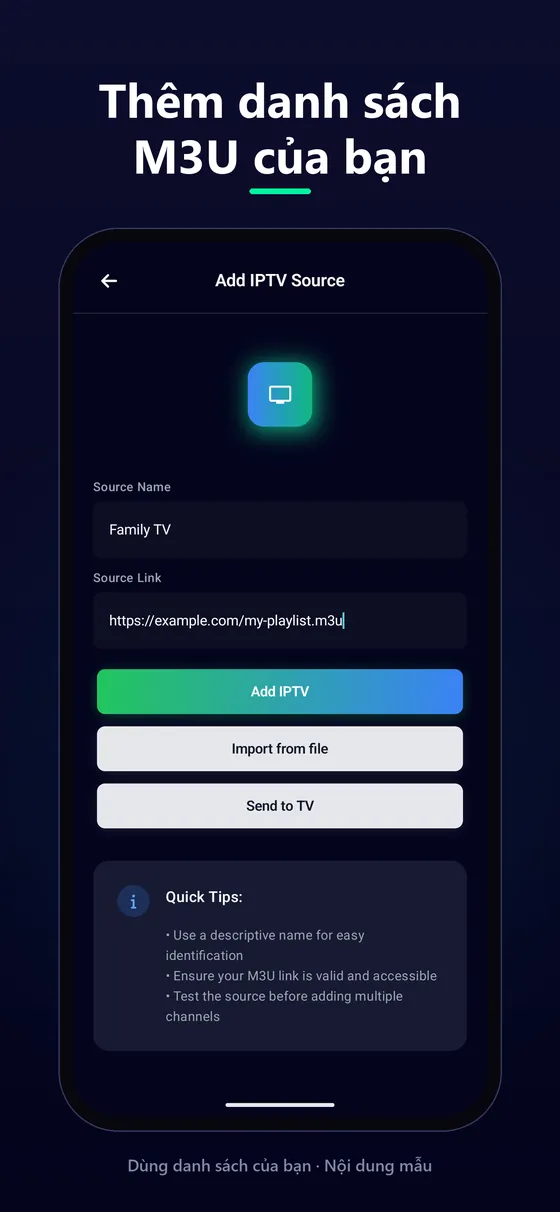
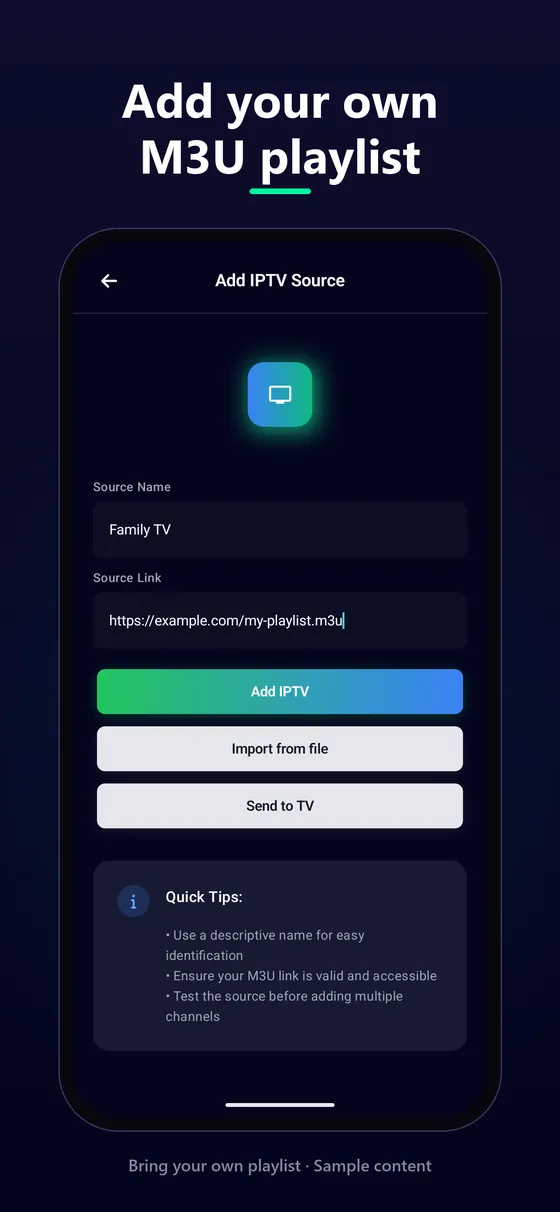
Từ link hoặc file. Mỗi định dạng có hướng dẫn chi tiết.From a link or a file. Every format has a detailed guide.
Chọn luồng, phụ đề, tỉ lệ khung hình.Pick the stream, subtitles and aspect ratio.
Tắt màn hình vẫn nghe, điều khiển ngay trên màn hình khoá.Keep listening with the screen off, with lock-screen controls.
Tiếng Việt, English, Deutsch, Español, Français, 日本語, 简体中文.Vietnamese, English, German, Spanish, French, Japanese, Chinese.
Lưu đoạn ngắn hoặc ảnh khoảnh khắc đang xem để gửi bạn bè.Save a short clip or a picture of what is playing and send it.
Đổi luồng phát, âm thanh và phụ đề ngay khi đang xem.Switch stream, audio and subtitles while you watch.
Video hướng dẫnVideo tutorials
Hình ảnhScreenshots
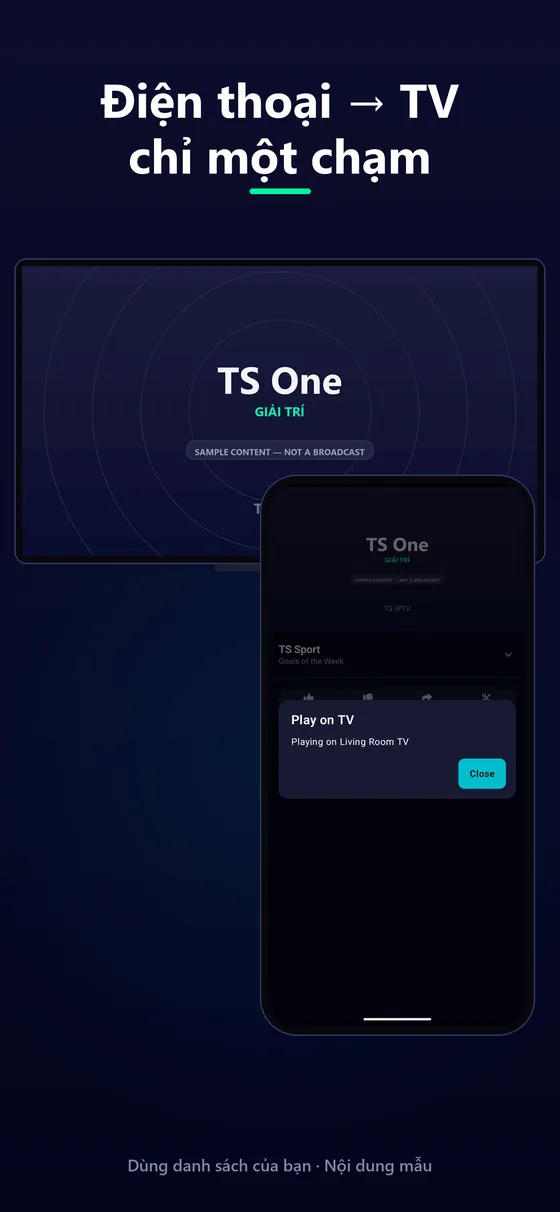
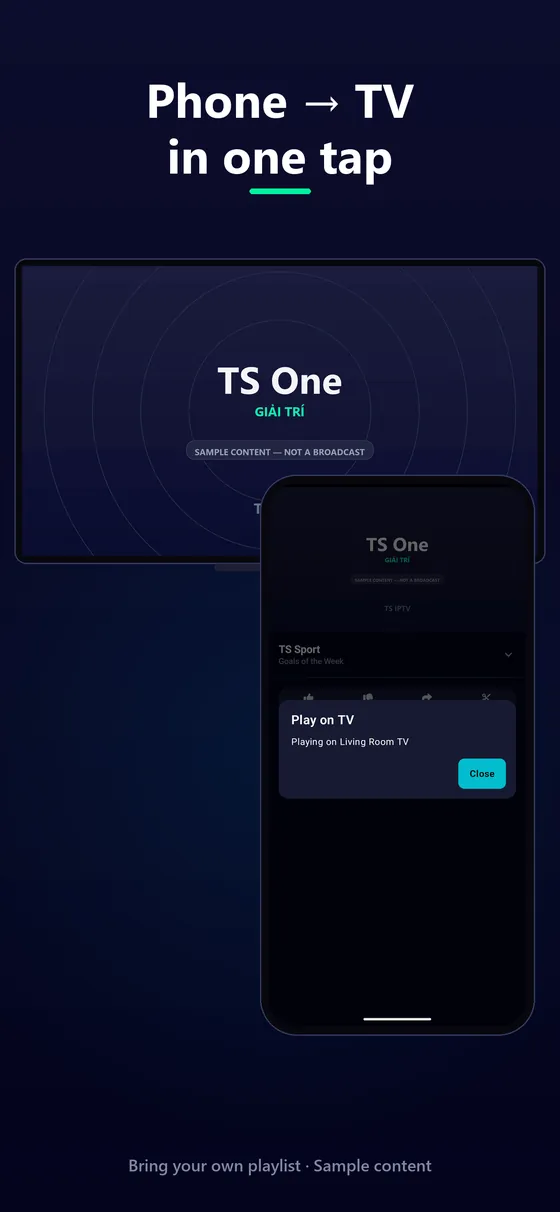
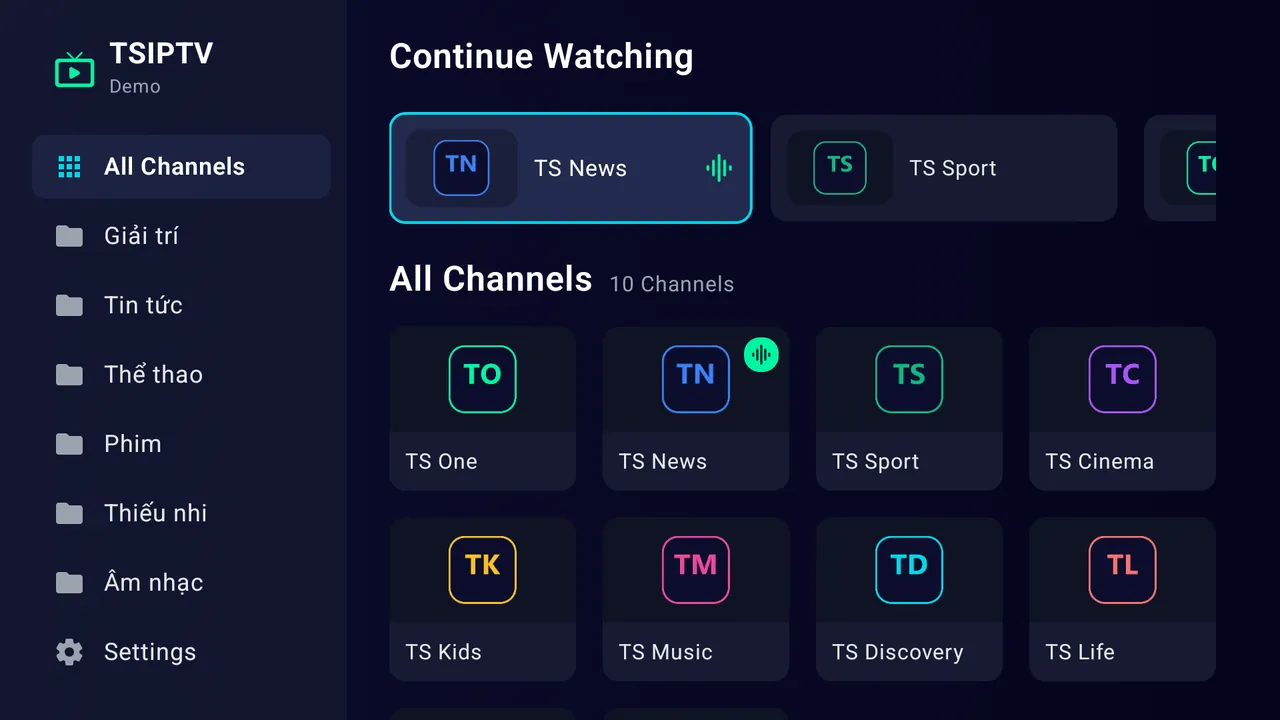
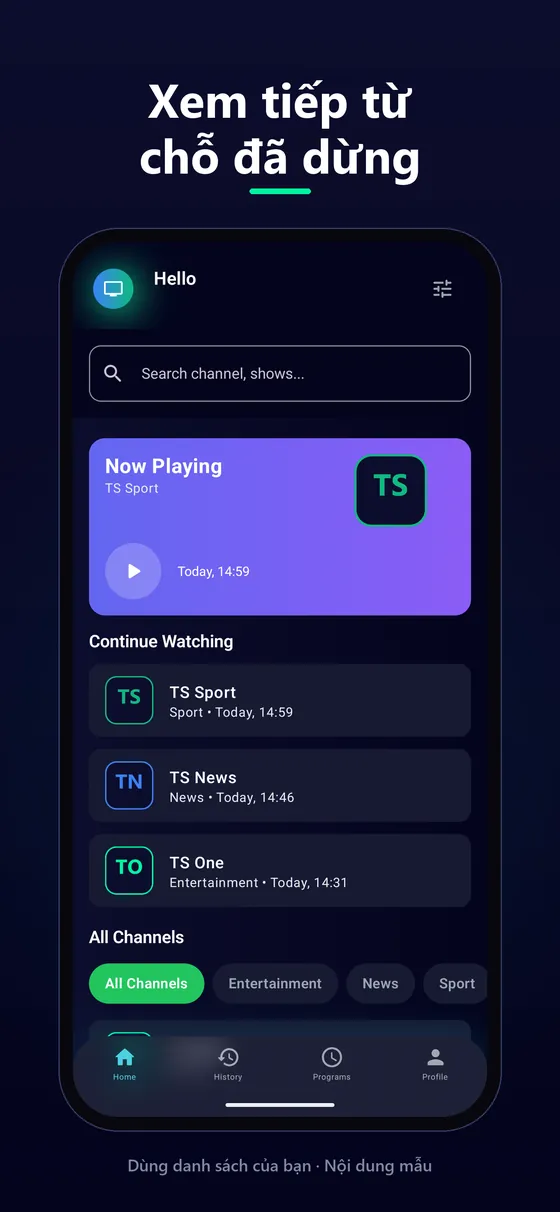
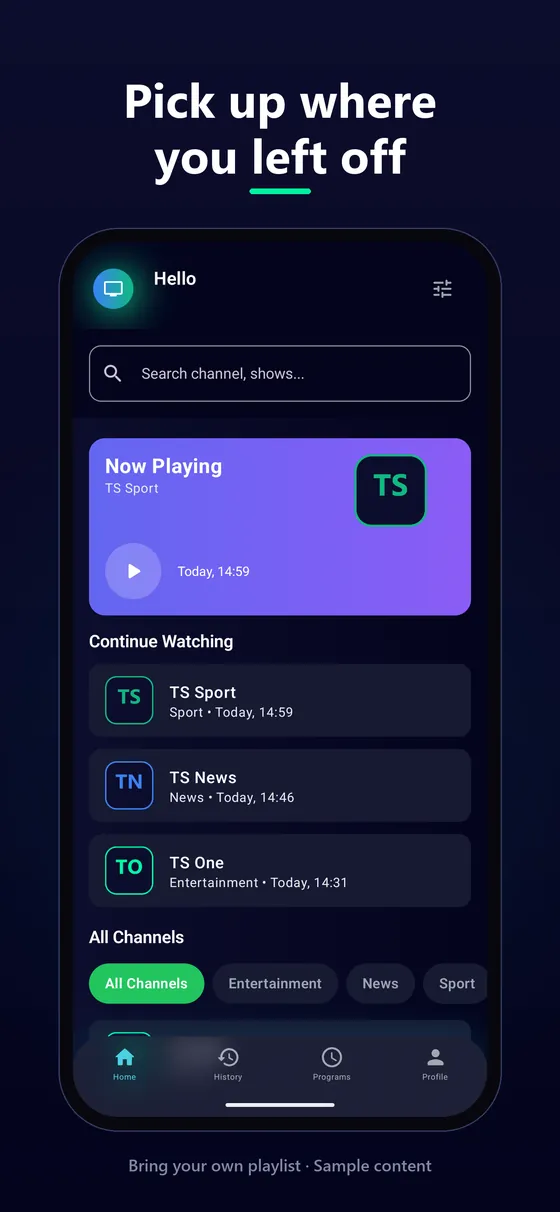
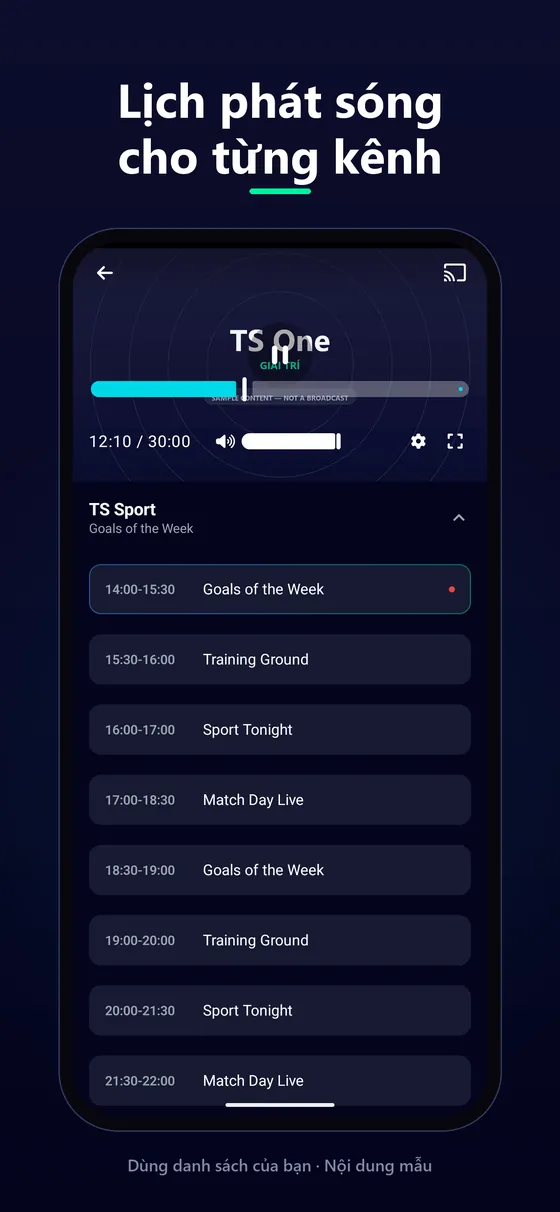
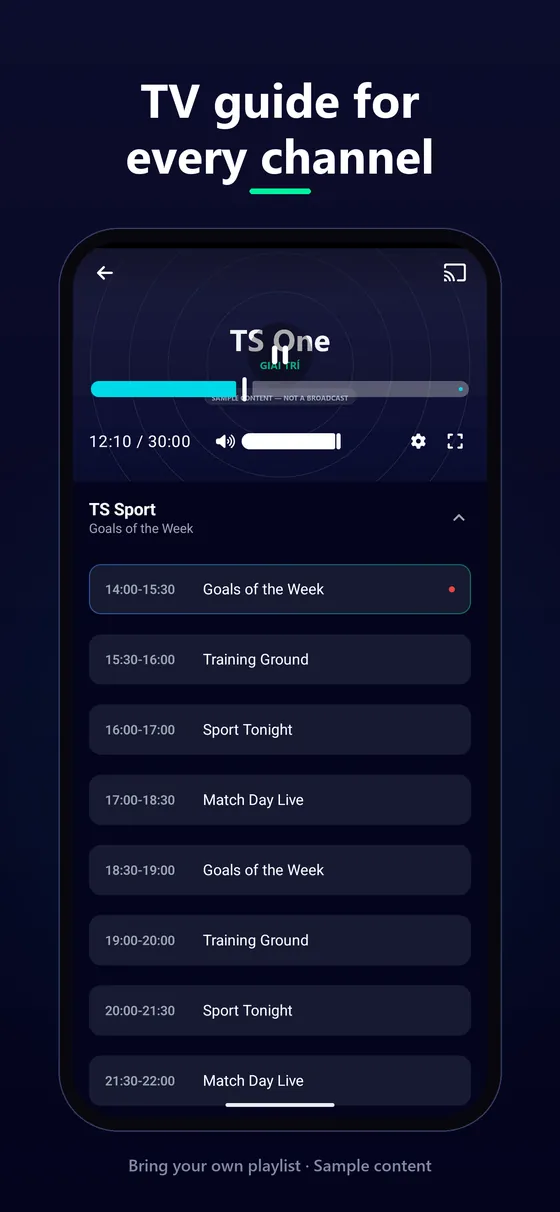
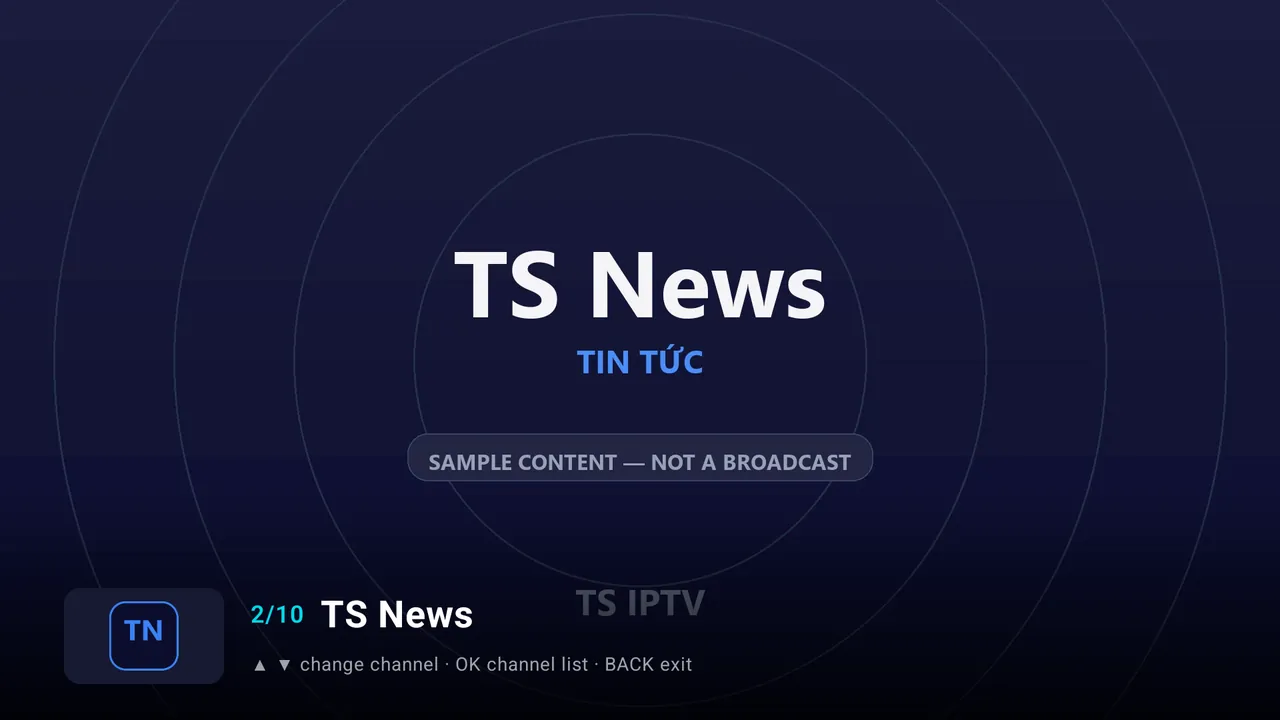
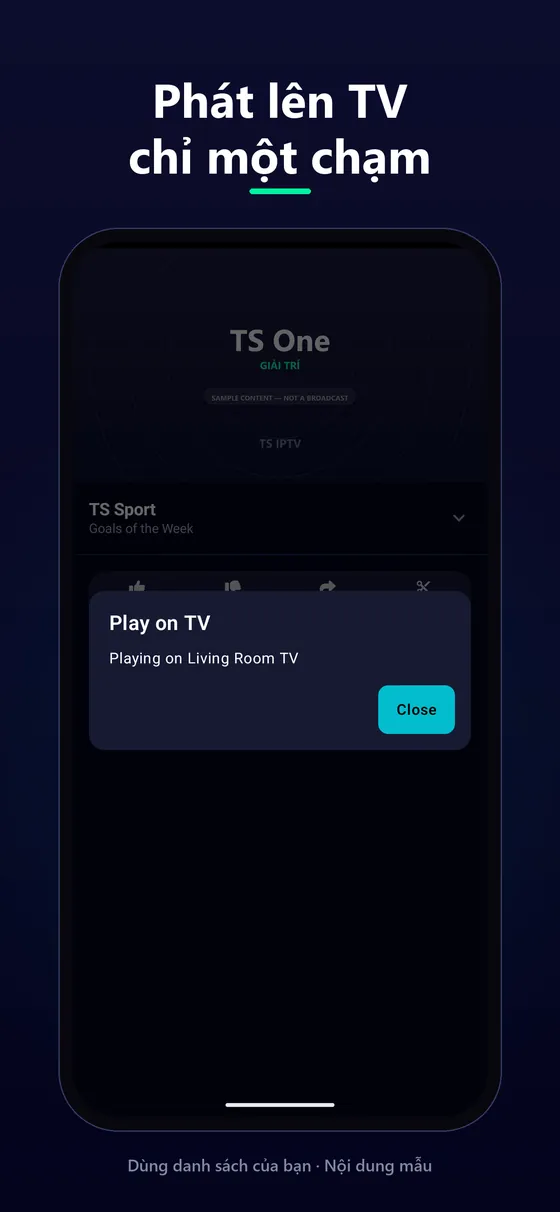
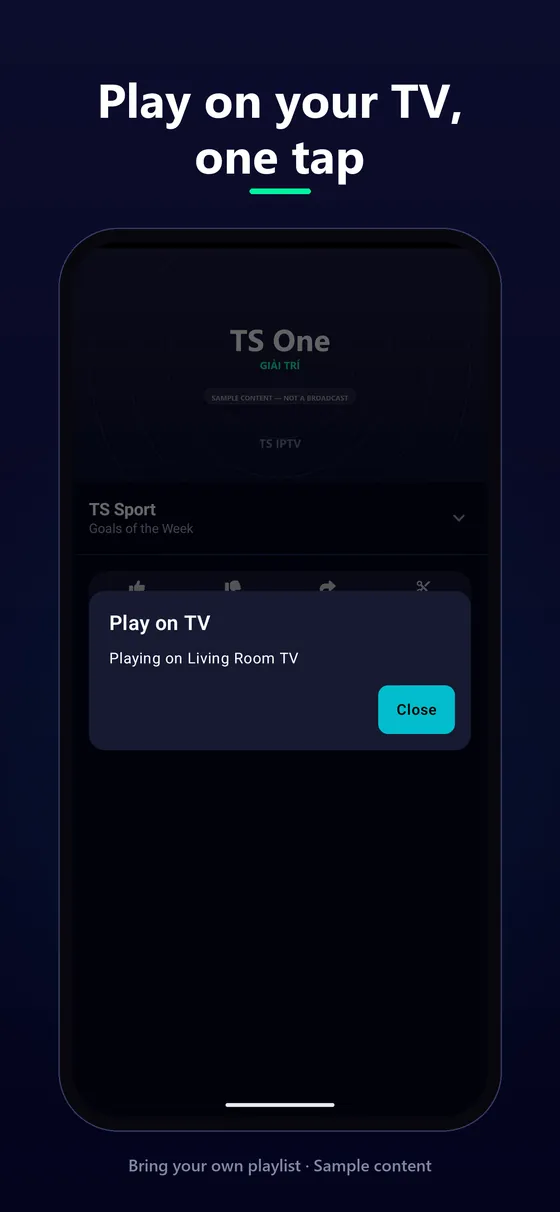
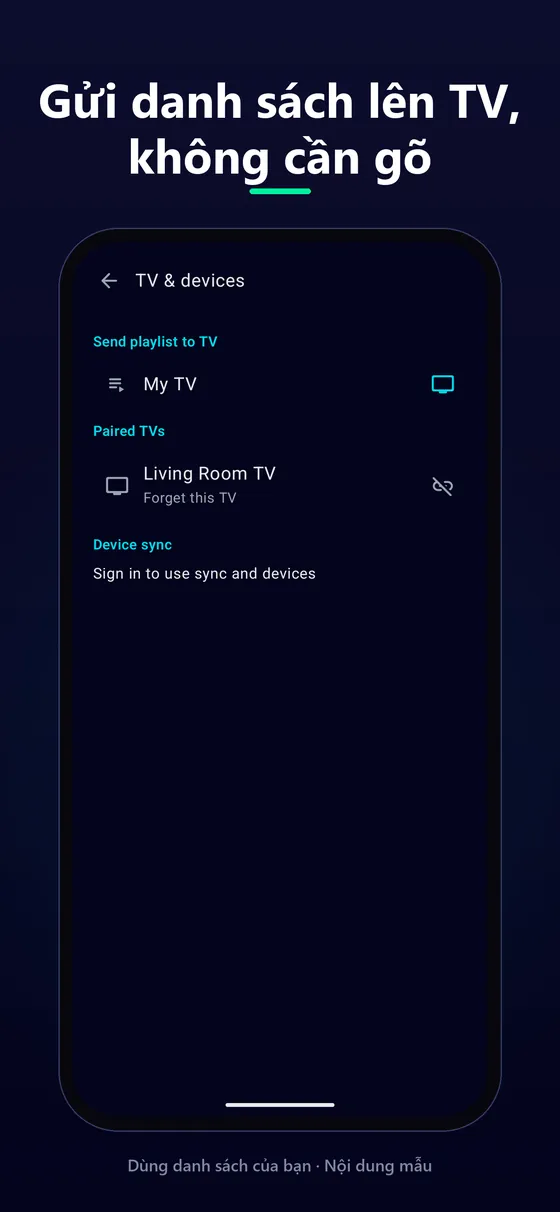
Hình ảnh dùng danh sách mẫu: kênh tự đặt tên, không phải chương trình phát sóng.Screens use a sample playlist: invented channels, not a broadcast.
Ứng dụng không kèm danh sách phát nào, không lưu trữ và không phát lại nội dung của bên thứ ba. Bạn chịu trách nhiệm về nguồn mình thêm vào và phải có quyền sử dụng hợp pháp. Ứng dụng có quảng cáo; đăng nhập là tuỳ chọn.The app ships with no playlists, hosts nothing and rebroadcasts no third-party content. You are responsible for the sources you add and must be entitled to use them. The app contains ads, and signing in is optional.
Quyền riêng tưPrivacyĐiều khoảnTermsXoá tài khoảnDelete account
FAQ
Có. Ứng dụng miễn phí và có quảng cáo trên điện thoại Android. Gói "Không quảng cáo" và "Unlimited" là tuỳ chọn, bỏ quảng cáo và nâng giới hạn gửi lên TV, đồng bộ hằng ngày.Yes. The app is free, with ads on Android phones. The optional "No ads" and "Unlimited" plans remove ads and raise the daily limits for sending to a TV and syncing.
Từ nhà cung cấp IPTV bạn đăng ký, hoặc danh sách bạn tự tạo. TS IPTV không bán hay giới thiệu nguồn. Xem IPTV là gì và hướng dẫn M3U.From the IPTV provider you subscribe to, or a list you made yourself. TS IPTV neither sells nor recommends sources. See What is IPTV and the M3U guide.
TS IPTV trên điện thoại và trên Android TV / Google TV, cùng một mạng Wi-Fi hoặc mạng LAN. Ghép nối một lần bằng mã 6 số. Không cần Chromecast hay tài khoản.TS IPTV on your phone and on an Android TV / Google TV, on the same Wi-Fi or LAN. Pair once with a 6-digit code. No Chromecast or account needed.
Không, để xem thì không. Tài khoản chỉ cần cho gửi danh sách lên TV, đồng bộ thiết bị và gói đăng ký. Bạn có thể xoá tài khoản bất cứ lúc nào.Not for watching. An account is only needed for sending playlists to a TV, device sync and plans. You can delete it at any time.
M3U / M3U8 (kể cả thuộc tính Kodi), XSPF, JSON, XMLTV cho lịch phát sóng, TS IPTV Source và addon tương thích Stremio do bạn tự thêm. Chi tiết trong hướng dẫn định dạng.M3U / M3U8 (including Kodi attributes), XSPF, JSON, XMLTV for the guide, TS IPTV Source, and Stremio-compatible addons you add yourself. Details in the format guides.
Danh sách, kênh và lịch sử nằm trên thiết bị. Chúng tôi chỉ nhận thống kê ẩn danh, không bao giờ nhận tên đăng nhập, mật khẩu hay link đầy đủ. Xem chính sách quyền riêng tư.Playlists, channels and history stay on your device. We only receive anonymous statistics, never usernames, passwords or full links. See the privacy policy.